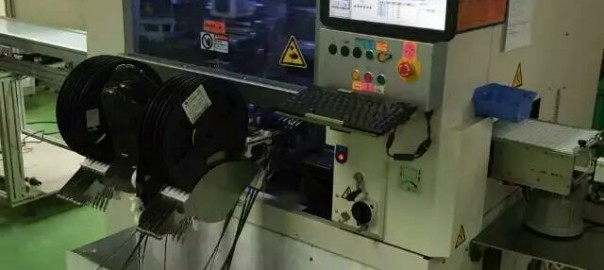
High-speed Multi-function Mounter for your LED driver PCB assembly

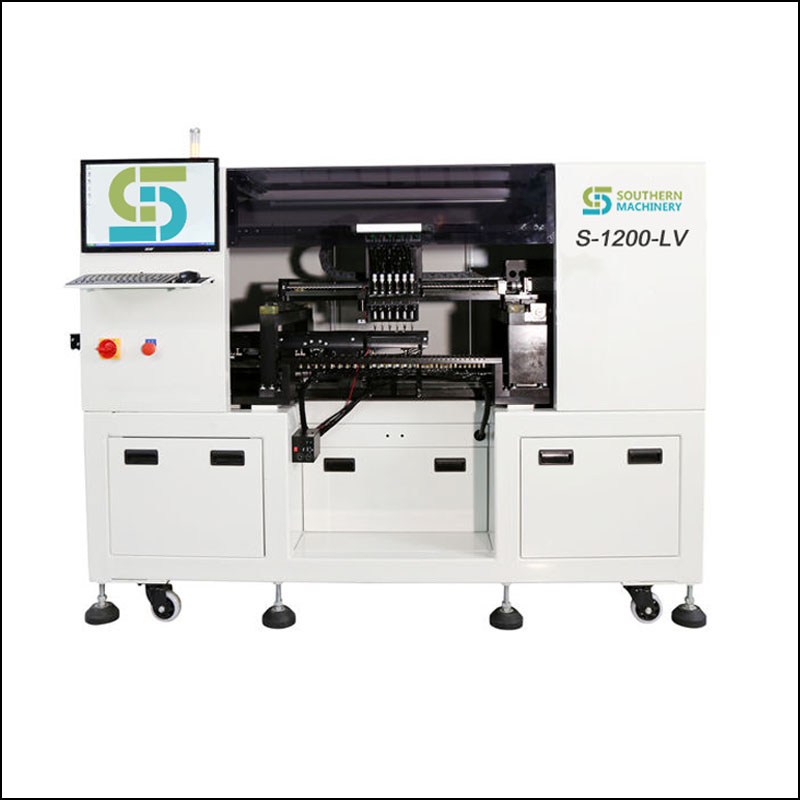
Model:  S-600L
High-speed Multi-function Mounter
General Automatic High-speed SMT Pick and Place Machine
Special Feature:
* High-accuracy: Each of the six pickup heads is equiped with a vision alignment camera to guarance high accuracy (+-0.05mm)
* High-speed    : Maximun placement speed reaching 0.14s/chip (25000cph)
* Support for panels up to 400x360mm, Suitable for various kind of pcb
* Up to 30 feeder slots
* Places SMDs from 0402 to 15mm ,Including resistors, capacitors, inductors/triodes, IC, SOTs, SOPs, QFPs and CSPs

* Excellent quality hardware support by using international famous brands ensure placement repeatability and precision


Teachnical Parameteres
Dimension Dimension 1300mm(L)X1380mm(w)x1790mm(H)
PCB Circuit Board   Total Weight 1050KG
PCB Length Width Min:50mmx50mm  Max:400mmx360mm
PCB Thickness 0.5-3mm
PCB Clamping Edge damping+z direction clamp
PCB Transport direction From left to right
OS Operation System software Windows XP
Display LED monitor
Input Device Mouse keyboard
Vision System NO.of Camera 7 Set
Mark Point Reognition Gray scale&pattern and Pattern Matching&Edge Detection
position Mark/vision System
Mounting Head 6head  Mounting Precision range:0.05
Mounting Speed 25000CPH Voltage 220AC+-10%/50HZ
Range 0402-15mmIC(Max Height (12mmx12mm)
Feeder numder 30 Slot (standard 8mm feeders)
Maximum Power 2.0KW Air Force 0.55MPA

SMT,THT,Auto Insertion,PCB,PCBA,wave soldering,stencil cleaner,LED,LED tube,LED bulb,LED dispaly,SMT nozzle,SMT feeder


SMT,THT,Auto Insertion,PCB,PCBA,wave soldering,stencil cleaner,LED,LED tube,LED bulb,LED dispaly,SMT nozzle,SMT feeder
OLYMPUS DIGITAL CAMERA

Are you looking for machine instead of worker to assembly your PCB

Are you still using manual insertion to assembly your PCB? We design and manufacture auto insertion machine,SMT equipment, and providing spare parts support.

Worldwide Installation and on site support.
Factory (machine and lighting assembly) training.

SMT basic process: Improving your PCBA quality

We provide totally solution for  SMT THT PCB assembly.
Worldwide Installation and on site support.

Factory (machine and lighting assembly) training.

SMT,THT,PCB,PCBA,AI,wave soldering,reflow oven,nozzle,feeder,wave soldering

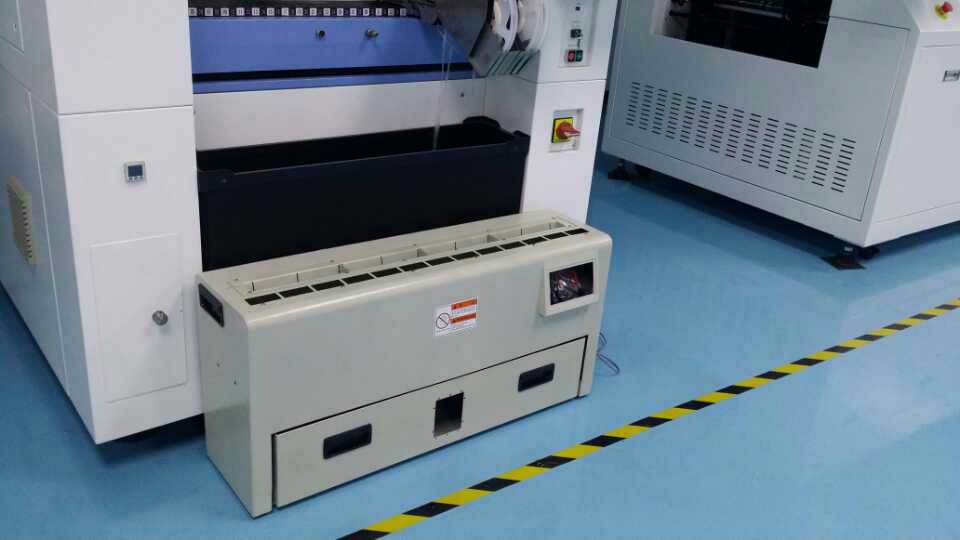
SMT Reel Scrap Tape cutter operating introduction

Functional description
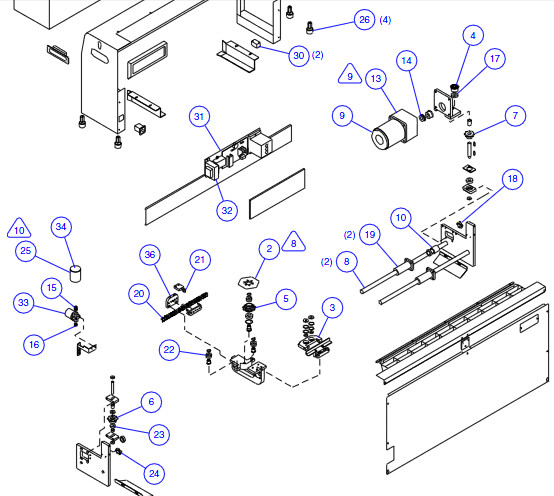
The Scrap Tape Cutter is designed to cut off small pieces of reel

tape and collect them in a trash bin for ease of disposal.

Prodcut safety

• Do not put objects other than reel tape in the cutter unit.
• Use caution with long hair and when wearing loose clothing
near the cutter unit.
• Unplug the unit when performing maintenance of the
machine.
• Do not operate the machine near flammable gas.
• Do not open/disassemble the cutter unit while the machine
is operating.
• Follow all safety labels on the cutter unit.

Automatic Mode

1. Rotate the Emergency Stop switch.
2. Push [ON] button at AUTO. The blade unit begins to move.
The blade continues to cycle until the collection bin is
removed or the Emergency Stop switch is pushed.

Recover From Jam

Use the following procedure to clear a jam.
1. Push the Emergency Stop switch to stop the buzzer.
2. Rotate the Emergency Stop switch.
3. Turn power on by pushing [ON] button at POWER.
4. Push and hold the Left or Right Directional Arrow button to
move the blade back away from the jam.
5. Push the Emergency Stop switch and clear the jam.
6. Rotate the Emergency Stop switch.
7. Turn power on by pushing [ON] button at POWER.
8. Push [ON] button at AUTO. Resume auto cutting.

Empty the Trash Bin

Use the following procedure when emptying the Scrap Tape Cutter
collection bin.

1. Grasp the handles on the trash bin and slide the bin out from
the Scrap Tape Cutter unit. The cutter automatically stops.
2. Empty and then re-install the trash bin. Push the [ON] button
at AUTO to resume operation.


Replace the Blades
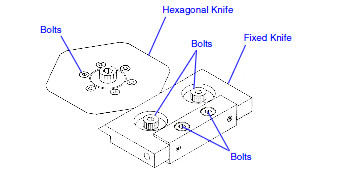
The blade unit of the Scrap Tape Cutter consists of a fixed and hex blade.
Replace both blades when the cutter jams frequently or when the blades
become damaged or worn. Use the following procedure when replacing the
cutter blades.
1. Push the Emergency Stop switch and unplug the unit.
2. Remove the back cover and tape inlet guide from the cutter unit.
3. Remove the 4 screws that secure the fixed blade to the housing. Use
caution so as not to lose the washers that are under the blade.


4. Remove the idler guide from the housing.
5. Remove the 6 screws that secure the hex blade to the housing.
6. Clean any debris that may have gathered under the blades.
7. Install the new hex blade. Note the correct orientation of the blade.
8. Install the idler guide and secure to the housing.
9. Verify that the washers are in place and install the new fixed blade.
10. Install the tape inlet guide making certain the plate is aligned with the
screw holes.
11. Install the back cover, plug in the unit, and rotate the Emergency Stop
switch. The unit is ready for operation.


SMT reel tape cutter,THT,PCB,PCBA,reflow ovenSMT,LED,PCBA,PCB,THT,AI

SMT,PCB,PCBA,AI,THT,Reflow Oven,Wave soldering,Feeder,Nozzle,Auto Insertion

One stop solution for manufacturing satellite receiver -SMT

Do you want make the Satellite receiver?

We provide total solutions for PCB assembly, stop to import electronic product from China.

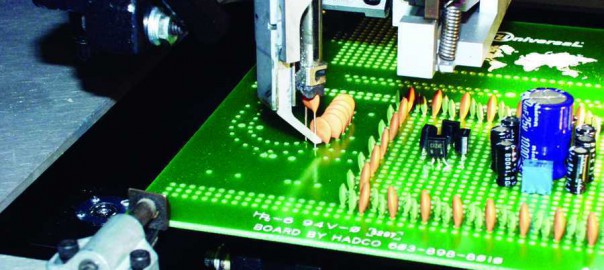
LED insertion machine

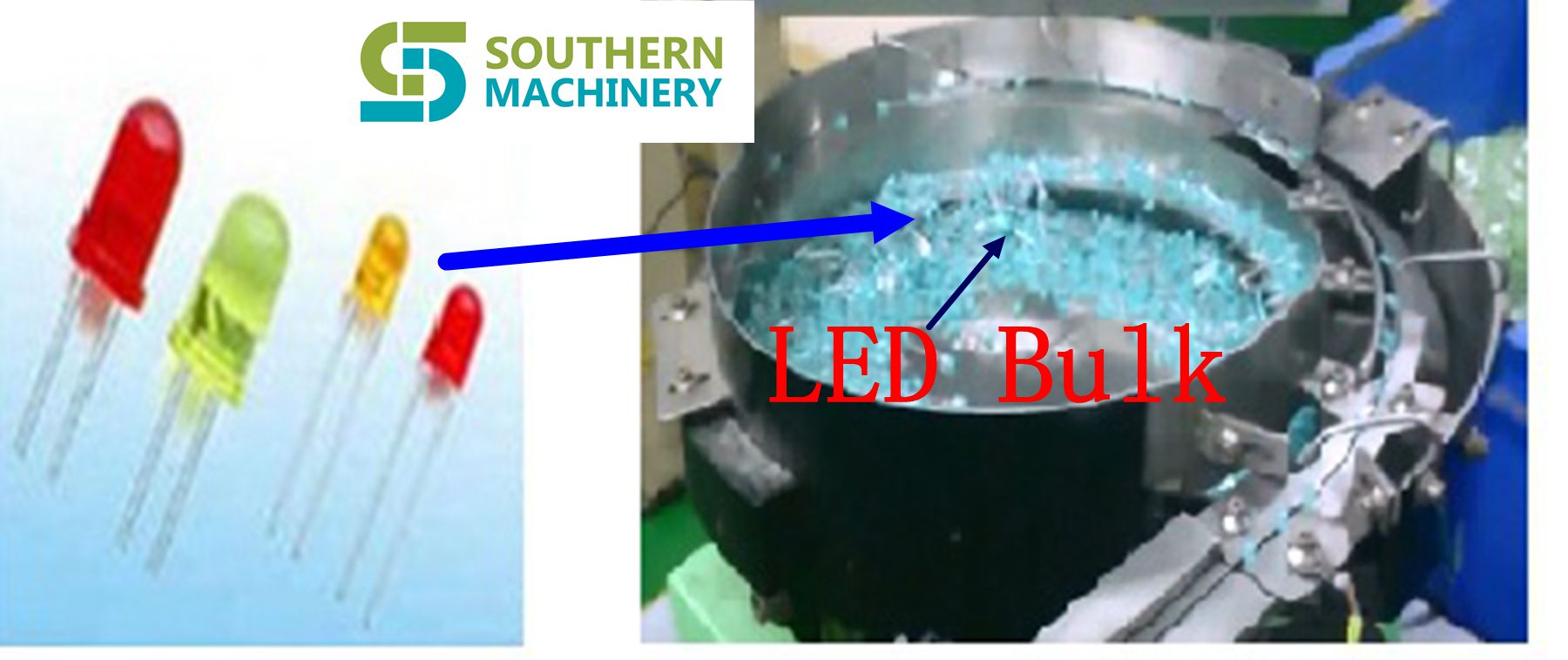
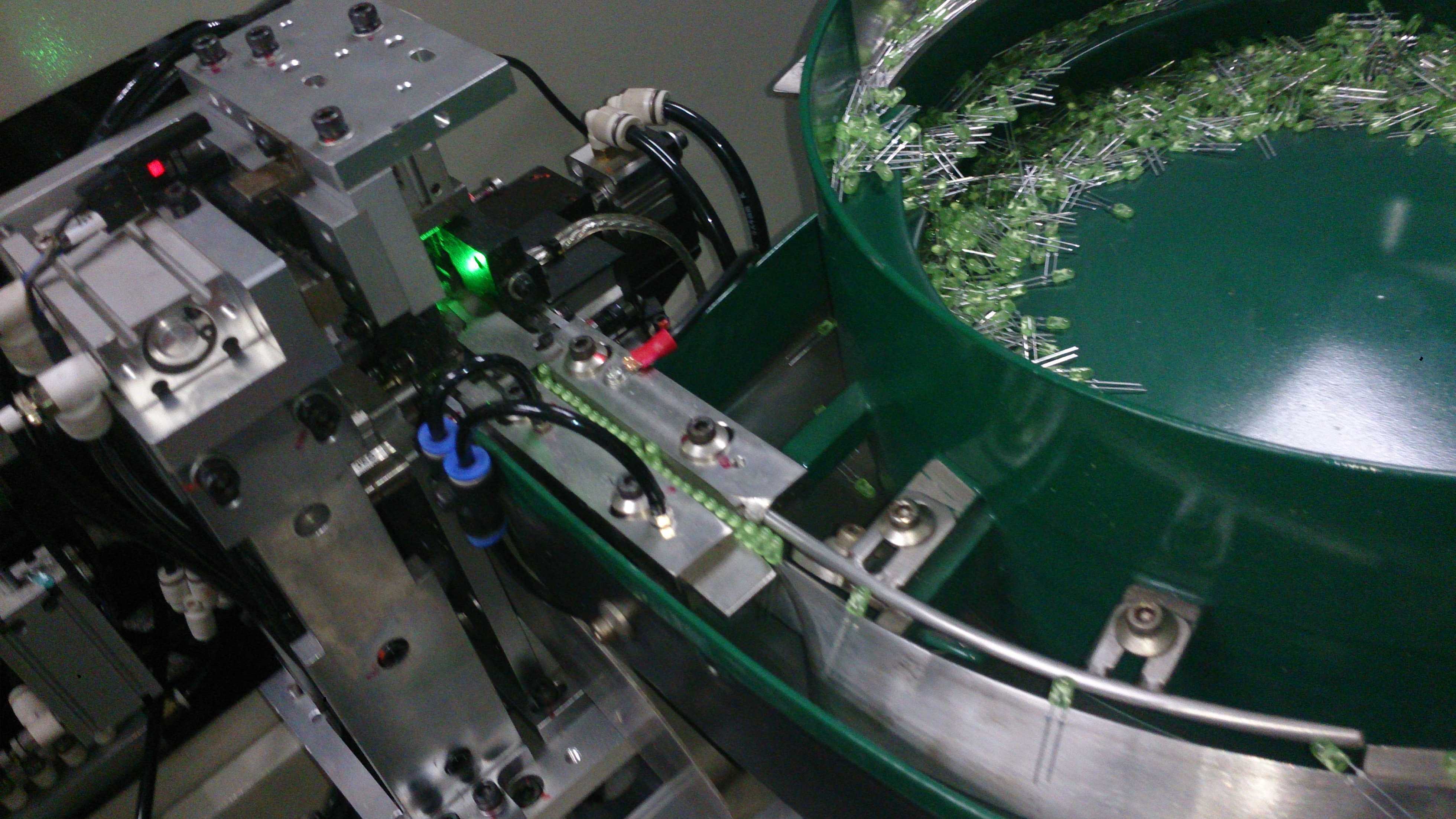
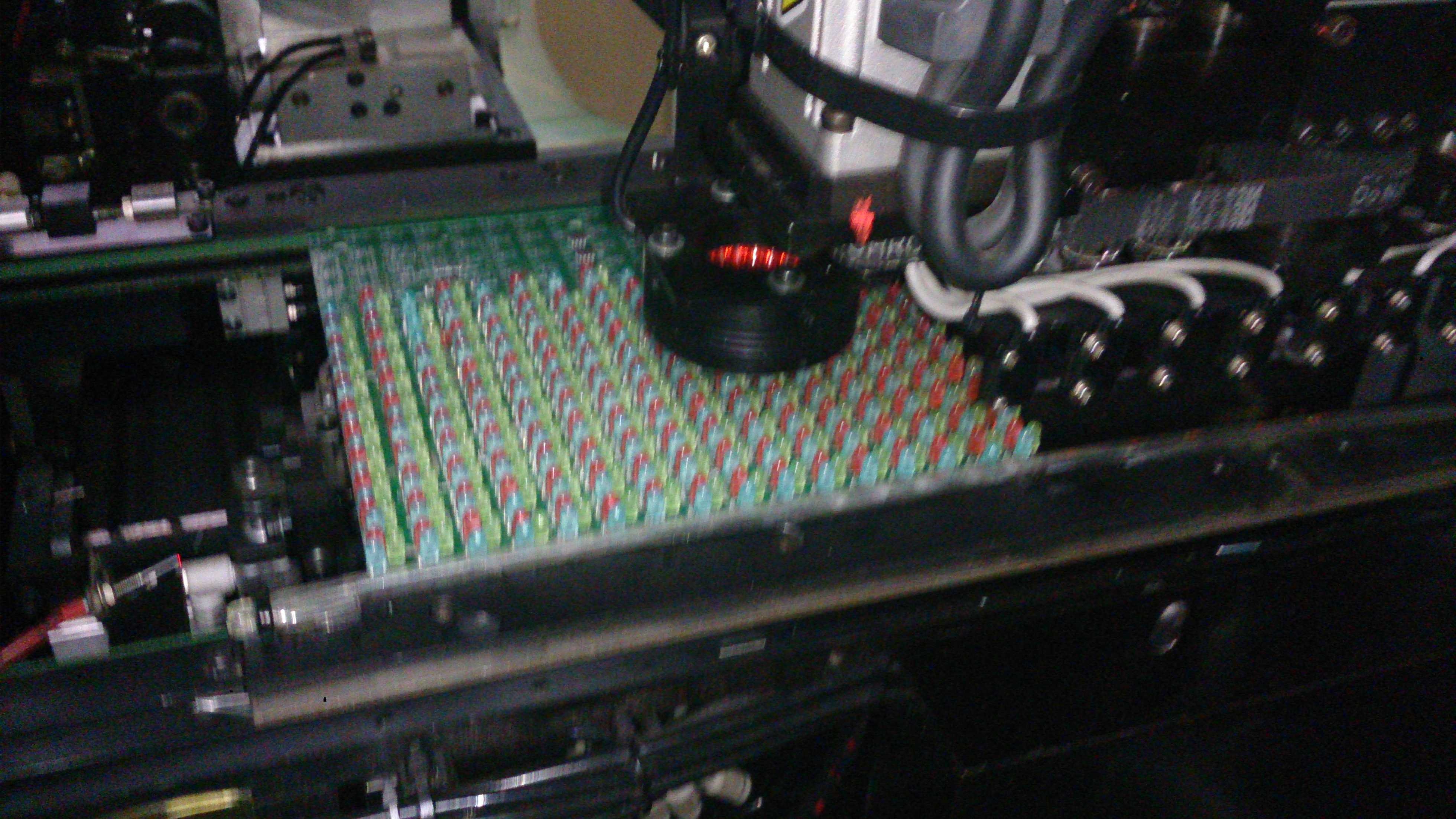
High-speed LED Insertion – S3000 Radial Insertion machine. Bulk feeder machine on the market for LED
Dedicated 2.5 tooling provides very high density insertion
Large form factor machine for fluorescent tubes (up to 1.2 meter)
Largest inventory of parts http://genericclomid.net available on-line
Low power consumption
Low air consumption – all major sub-systems are servo
Proven platform with stable design


bulk led

LED?Feeder?SMT
LED auto insertion machine
SMT,LED,Feeder,PCBA
LED auto insertion machine